
Behavioral ranking factors (PF) are a set of metrics that search algorithms analyze to understand resource quality. For Google these metrics play a key role in determining SERP positions. Unlike Yandex, which actively uses direct behavior signals, Google relies on more complex and indirect data collected through Google Analytics, Search Console, and internal ranking mechanisms.
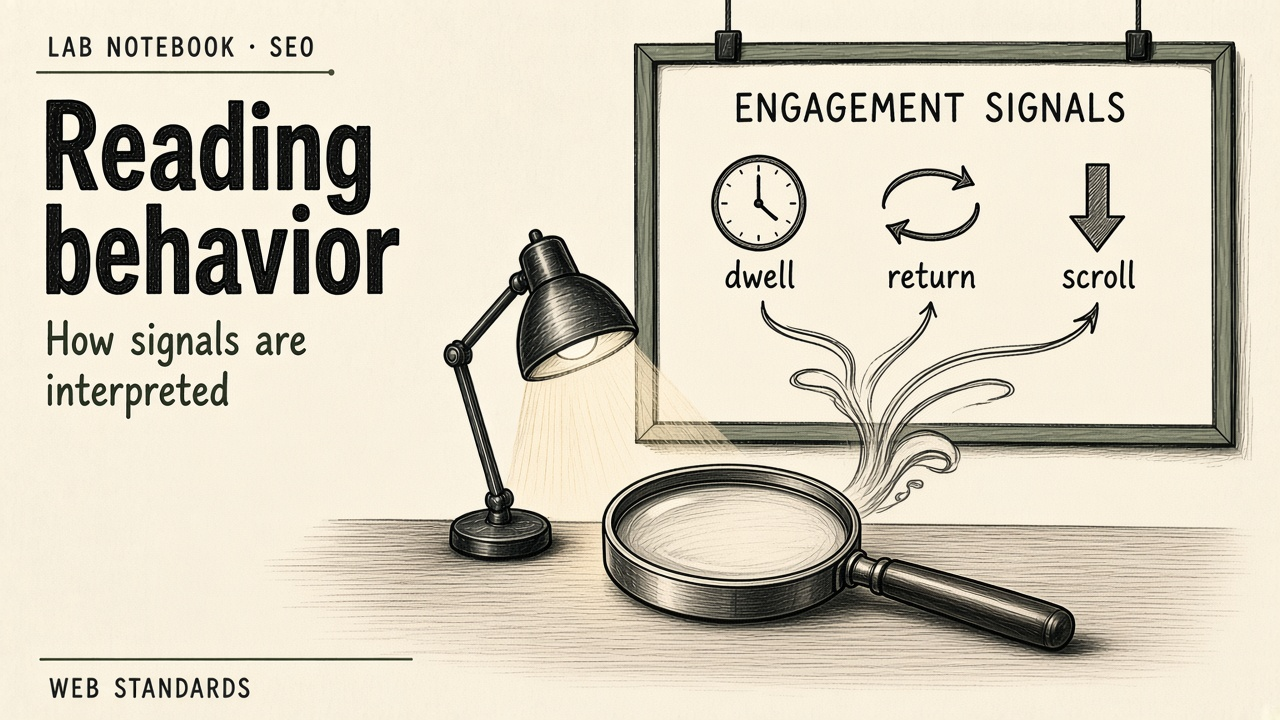
Proper PF tuning not only improves positions but also raises site conversion. Users spend more time on the page, read the content, and complete target actions. That creates positive feedback for algorithms that interpret such behavior as a sign of high-quality content.
Key behavioral factor metrics
To manage PF effectively, you need to understand which indicators are tracked. The main metrics include:
- Bounce rate — the share of visits where the user closed the page without taking any action. A low rate signals content relevance to the query.
- Pages per session — how many pages were viewed in a session. The deeper the user goes into the site, the higher the interest in the resource.
- Time on site — total time the user spends across all pages. Long time indicates information value.
- Returns to SERP — how often the user returns to search after viewing the page. A high return rate signals low-quality content.
- Click-scrolls — user behavior while scrolling the page. Algorithms analyze which elements catch the eye and where interaction happens.
These metrics are not the only ones, but they form the basis of analysis. Google also considers page load speed, mobile friendliness, and structured data, which affect user experience.
How Google analyzes user behavior
Unlike Russian search engines, Google does not publish an open list of behavioral factors. Still, from public sources and specialist research it is known that algorithms analyze data in real time. Signals are collected through:
- Google Analytics and Google Tag Manager.
- Search Console data on clicks and positions.
- Load-speed metrics via PageSpeed Insights.
- Behavior in mobile apps and on desktop.
Google’s approach is distinctive in that it uses machine learning to interpret the data. Algorithms compare user behavior with expectations formed from millions of other sessions. If your site matches or exceeds industry averages, it gets a ranking advantage.
Optimizing behavioral factors: a step-by-step strategy
Improving PF requires a systemic approach. You cannot simply add buttons or change the design — you need to work with content, structure, and technical aspects of the site.
1. Improving content quality
Content must fully answer the user’s query. Avoid filler and generic phrases. Structure text with H2/H3 headings, lists, and highlighted key points. Add visuals: images, infographics, video. That increases time on page and lowers bounce rate.
2. Optimizing load speed
Slow loading drives bounce growth. Use Google PageSpeed Insights to find issues. Compress images, minify CSS and JS, use caching. Load speed directly affects UX and therefore PF.
3. Mobile friendliness
More than 60% of traffic comes from mobile devices. Make sure the site displays correctly on all screens. Buttons should be easy to tap, text readable without zooming. Google uses a mobile-first approach, so the mobile experience has priority.
4. Internal linking
A logical link structure helps users go deeper into the site. Add contextual links to related pages. That increases pages per session and time on site. Avoid “dead-end” pages with nowhere to go next.
Data analysis: how to track changes
To monitor PF, set up Google Analytics 4 (GA4). Create reports for the main metrics: bounces, pages per session, average session duration. Use Search Console to analyze clicks and positions for key queries. Compare data before and after optimization to evaluate change effectiveness.
Run a regular audit about once a month. Track metric dynamics, spot anomalies, and adjust strategy. Automate data collection with dashboards so you can react quickly.
Common mistakes when working with PF
- Ignoring the mobile version — leads to high mobile bounce rates.
- Weak content structure — users cannot quickly find what they need.
- Slow loading — users leave before the page opens.
- No calls to action — no clear direction for the user.
- Poor-quality images — increase load time and hurt perception.
Avoid these mistakes by running regular usability tests. Collect user feedback, analyze click and scroll heatmaps. That helps find weak spots and improve UX.
Conclusion
Tuning behavioral factors for Google requires a comprehensive approach. Improve content, load speed, and mobile experience. Analyze data regularly and adjust strategy. Remember that PF is not a one-off action but a continuous optimization process. Investment in user experience pays off in rankings and conversion.